Sources, merged
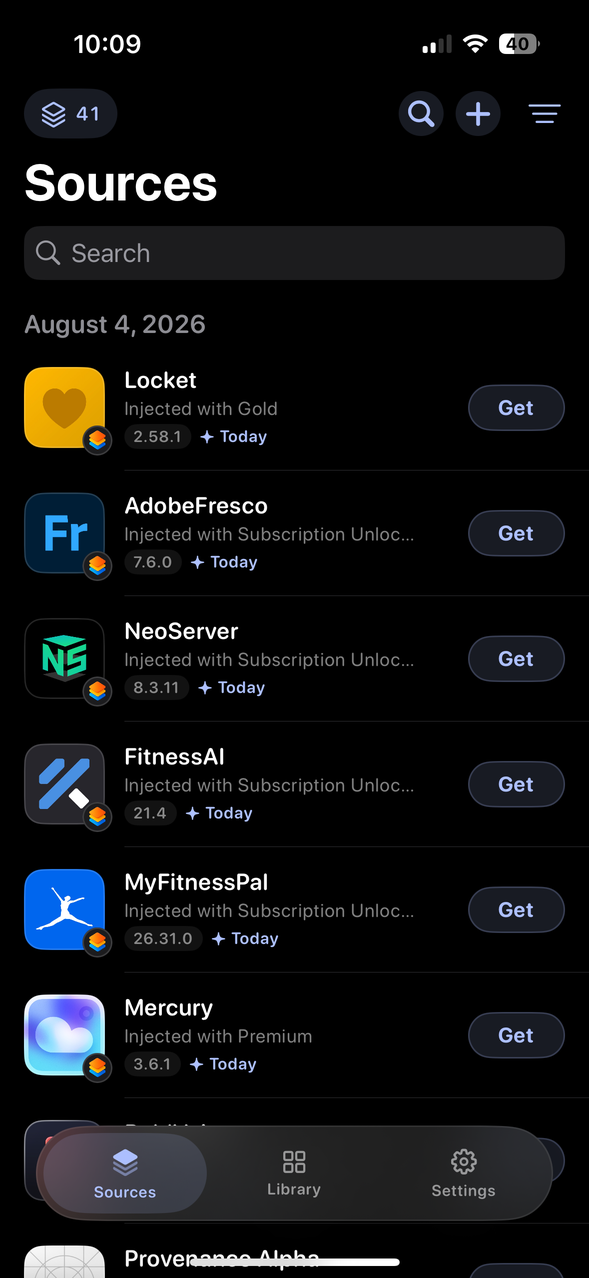
The Sources tab lists apps from every repository you have added, newest first, rather than making you pick a repo before you can see anything. Duplicates can be collapsed when the same app shows up in a dozen places.
 Chunglloyd
Download
Chunglloyd
Download

Sign and install iOS apps from your phone. Bring your own certificate and add the repositories you like.
The parts of sideloading that usually go wrong, handled.
The Sources tab lists apps from every repository you have added, newest first, rather than making you pick a repo before you can see anything. Duplicates can be collapsed when the same app shows up in a dozen places.
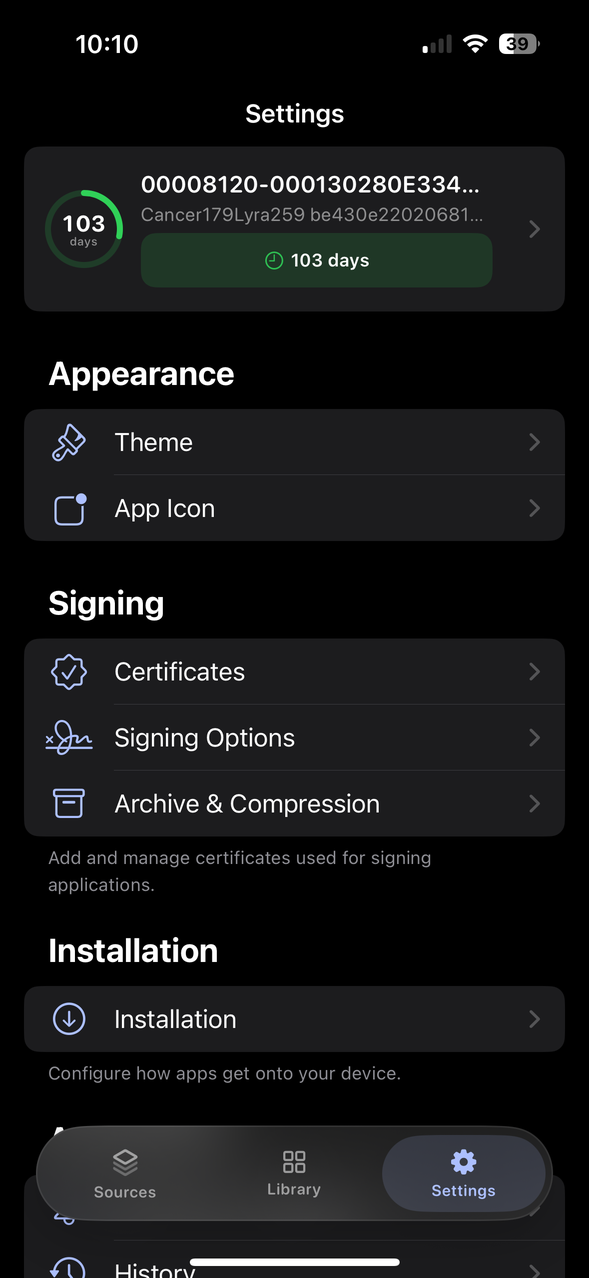
A certificate dying is the usual reason apps stop opening, and nothing warns you. Chunglloyd schedules a reminder a week ahead, then again at three days and one day, from the system, so it reaches you even if the app has been closed for a month.
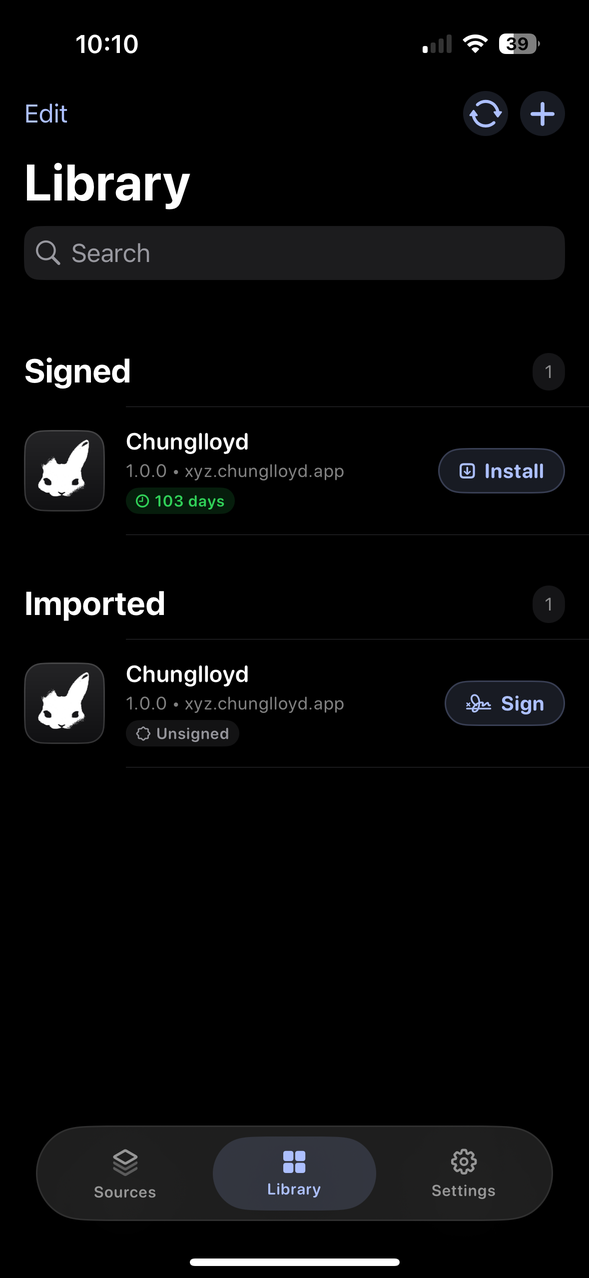
When a certificate is renewed, everything signed with the old one is dead. Re-sign your whole library in one pass from the certificate itself, with progress you can watch and cancel.
It checks your sources on launch and can download new versions and sign them as they land, so an update is ready to install rather than ready to start. It will not install anything on its own.
Certificates, sources, pins and preferences export as a single file and come back the same way. Useful when you wipe a device, and the only part of a sideloading setup that is genuinely painful to rebuild by hand.
Every import, sign and install is logged with the date and the certificate used. When something breaks, you can see what changed.
The download is unsigned, so you sign it with your own certificate first. This is the same step you already take for any sideloaded app.
You need a .p12 and a .mobileprovision from a
signing service, or from an Apple Developer account. Chunglloyd cannot
sign anything without one, and neither can any other signer.
Grab version 1.0.0 on the device you want to install it on. It saves to Files.
Use whatever you have to hand: ESign or Feather on the device,
Sideloadly or zsign on a desktop. Point it at the
.ipa and your certificate.
First launch walks you through it. After that Chunglloyd signs everything else, including its own updates, and you will not need another signer.
Chunglloyd publishes itself as an AltStore repository. Add this in Chunglloyd, or in any other signer, and updates arrive like any other app.
https://chunglloyd.xyz/repo.json